🔒 Safe & Secure Checkout
PayPalVISAMastercardAMEXApple PayGoogle Pay
🛡️ 256-Bit Encrypted | 📦 Order Tracking
SMARTER DRIVING STARTS HERE
CUT THE CABLE.
KEEP THE CONNECTION.
Mini Cube 3.0 Wireless CarPlay & Android Auto Adapter
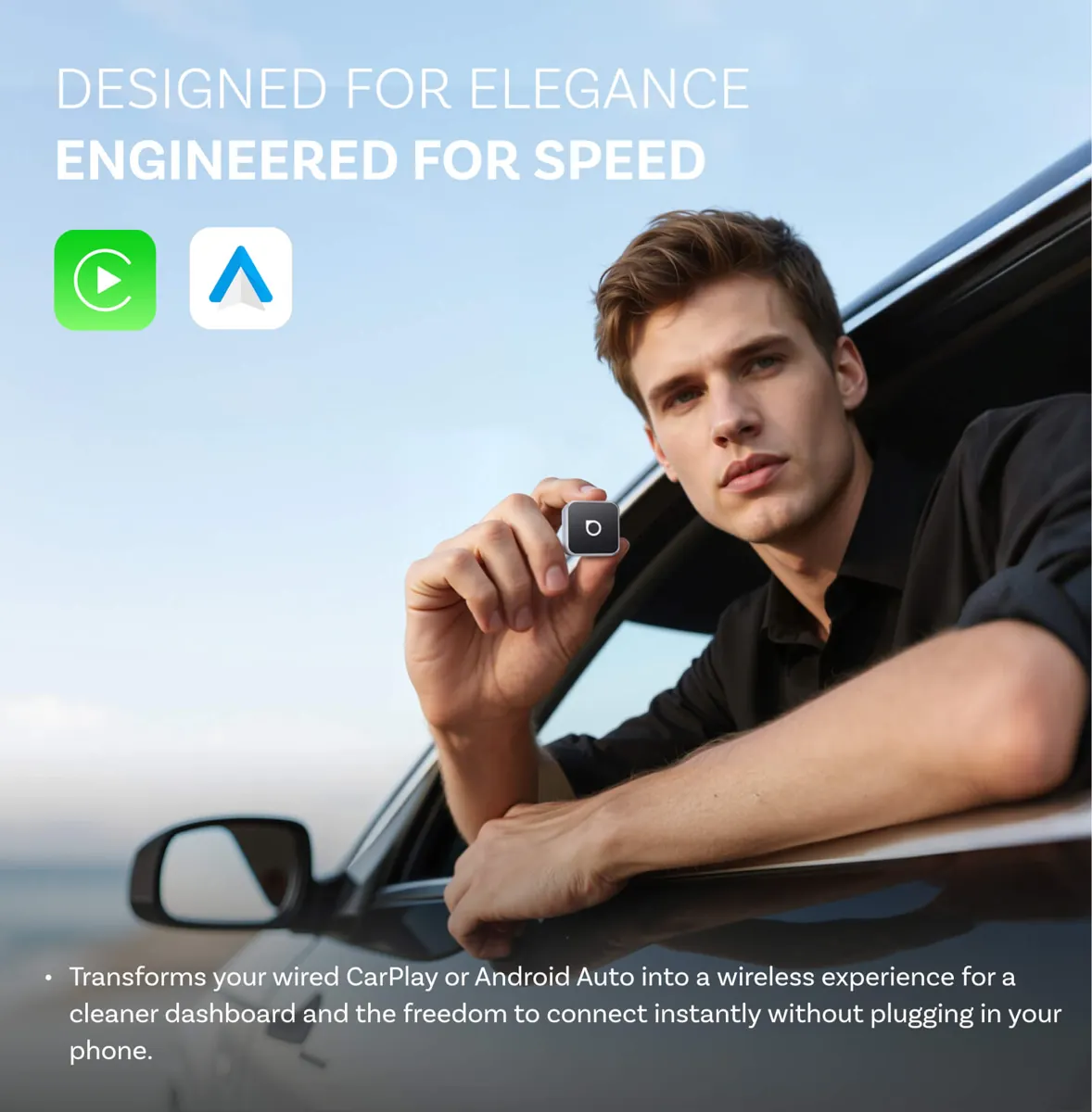
Transform your compatible wired CarPlay or Android Auto system into a wireless experience. Connect your phone automatically and enjoy navigation, music and hands-free communication without plugging in every time.
📱 Wireless CarPlay🤖 Android Auto⚡ Auto Reconnection
PLUG IN · CONNECT · DRIVE
THE SMARTER WAY TO CONNECT
Your Favorite Car Features.
Without the Daily Cable.
Plugging your phone into your car every time you drive can become an unnecessary routine.
The Mini Cube 3.0 helps simplify that experience by converting a compatible wired connection into wireless CarPlay or Android Auto.
01 / WIRELESS FREEDOM
Leave the Cable Behind.
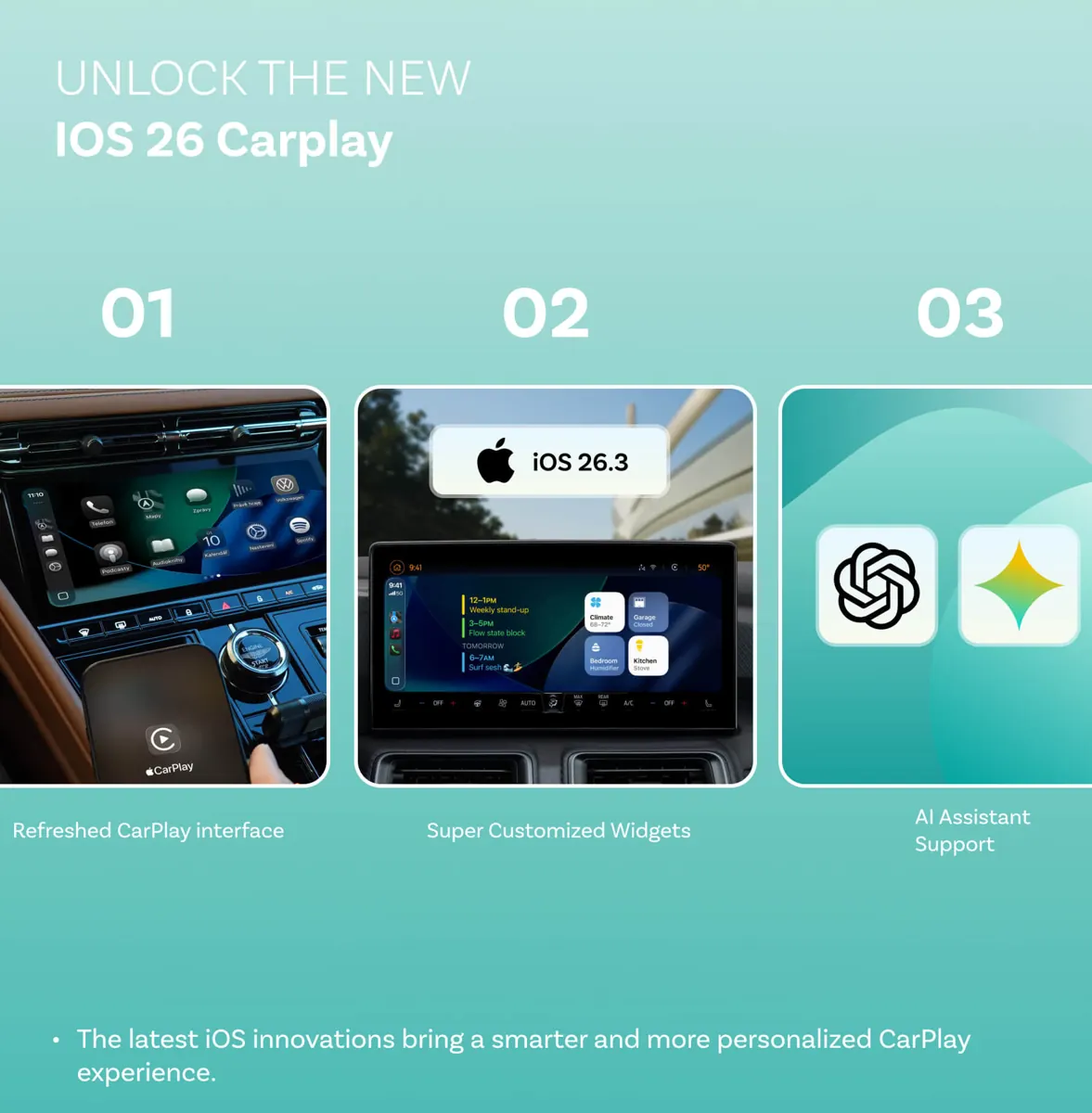
Enjoy your compatible CarPlay or Android Auto interface wirelessly. Access supported navigation, music, calls and other familiar features through your vehicle's existing display.
02 / AUTOMATIC RECONNECTION
Start Your Car.
Get Back to Connected.
Once initially paired, the adapter remembers your device and is designed to reconnect automatically when you start your vehicle.
Automatic reconnection depends on device settings, Bluetooth and WiFi availability, and vehicle compatibility.
03 / COMPACT & FIRM FIT
Tiny Cube.
Clean Interior Setup.
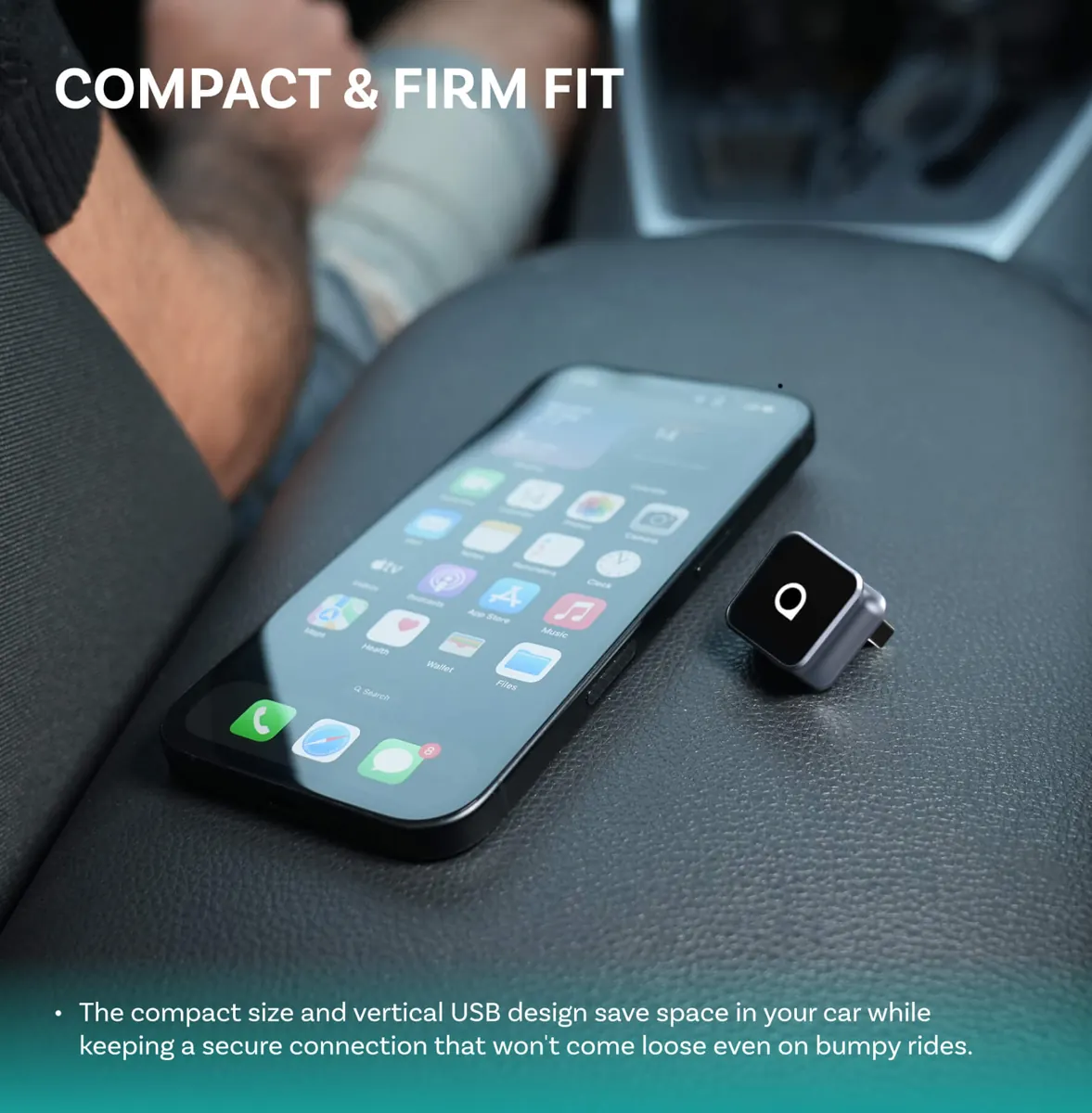
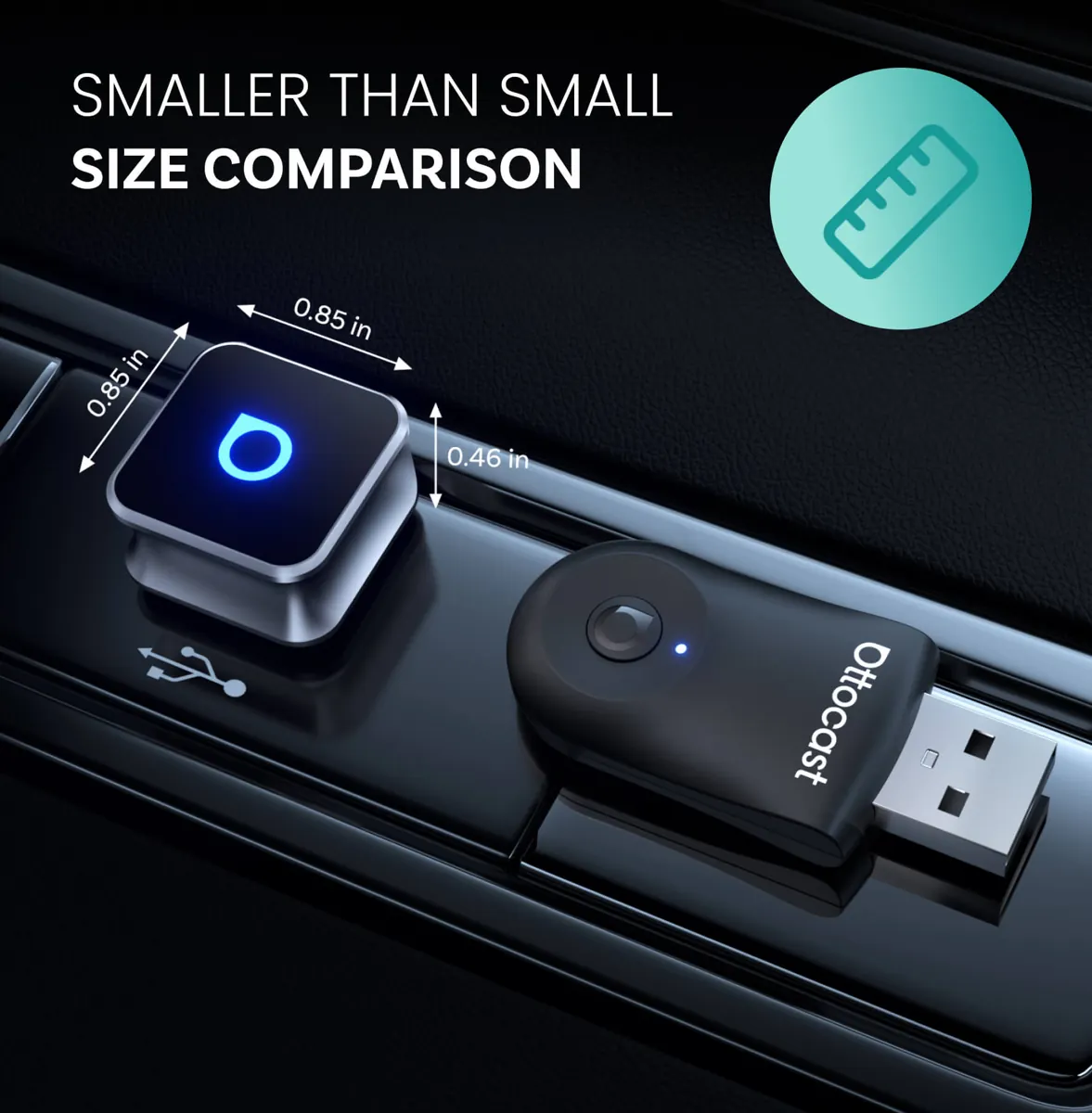
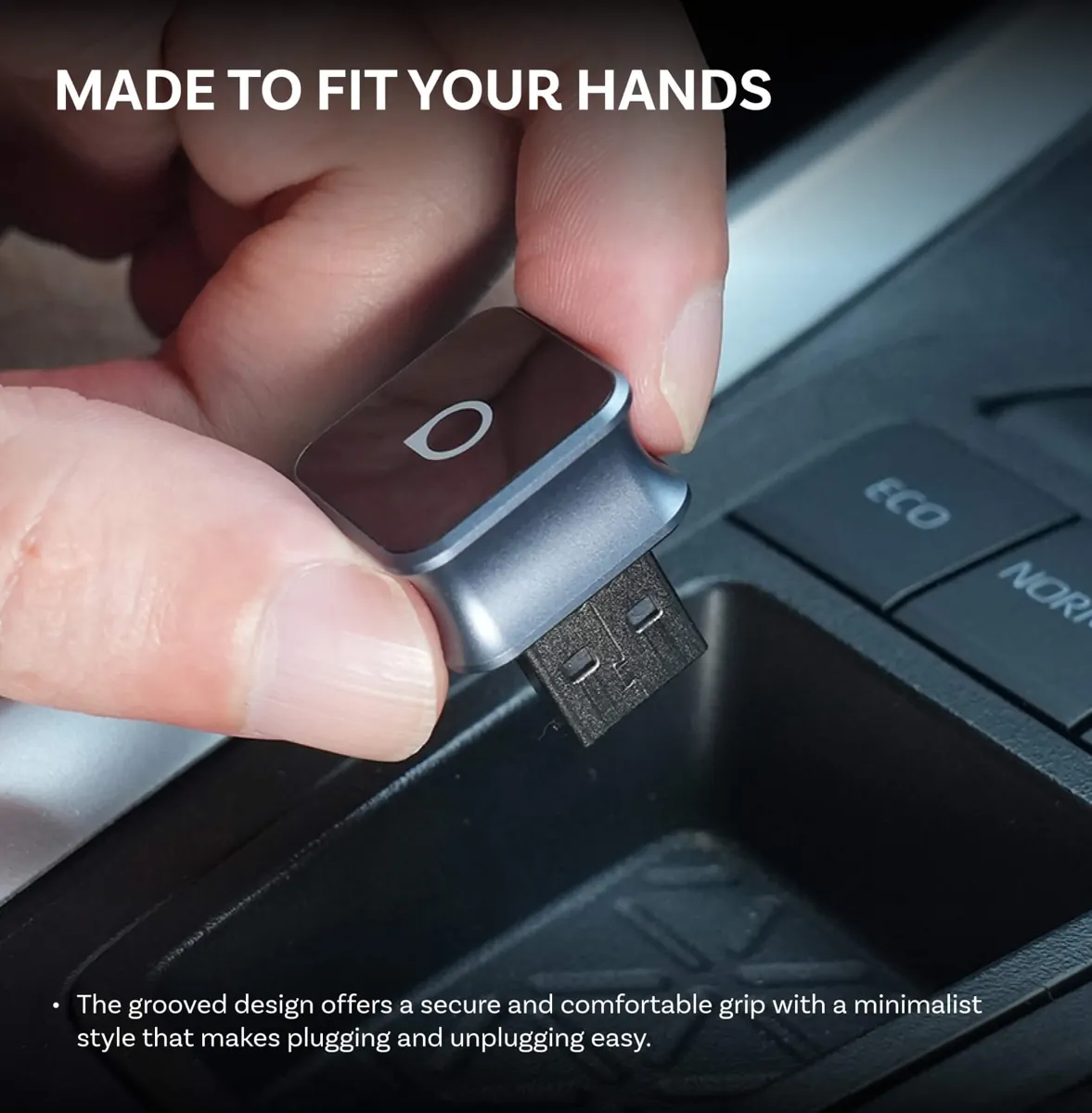
The compact body features a 90-degree USB connector designed to save space around your vehicle's USB port, helping keep the installation neat and unobtrusive.
04 / SMALLER THAN YOU THINK
Designed to Fit
Into Your Everyday Drive.
Its small footprint helps reduce clutter around the USB connection, while the compact cube design keeps your setup looking clean.
05 / SIMPLE PLUG-AND-PLAY SETUP
Plug In. Pair Once.
Enjoy Wireless Driving.
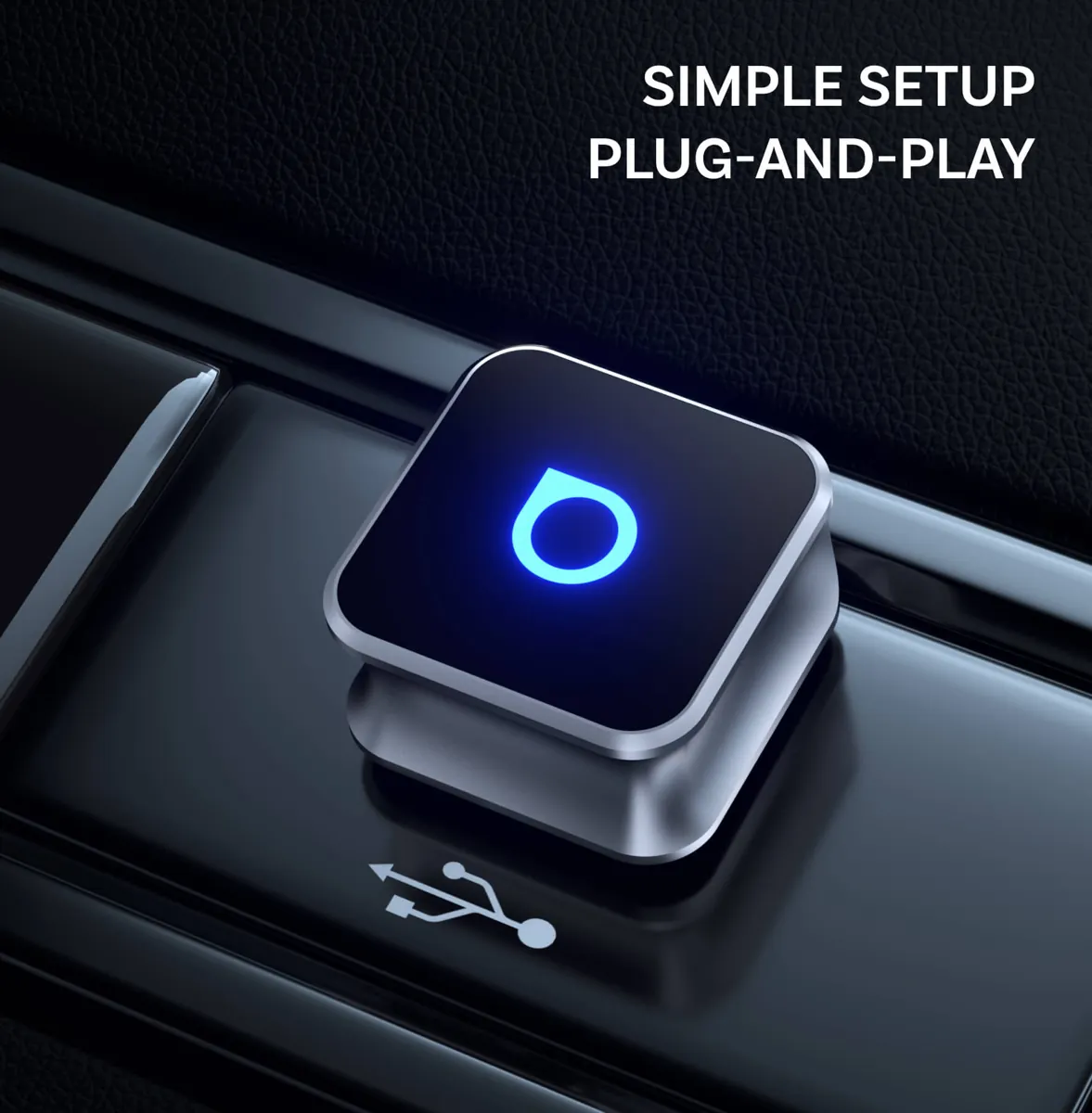
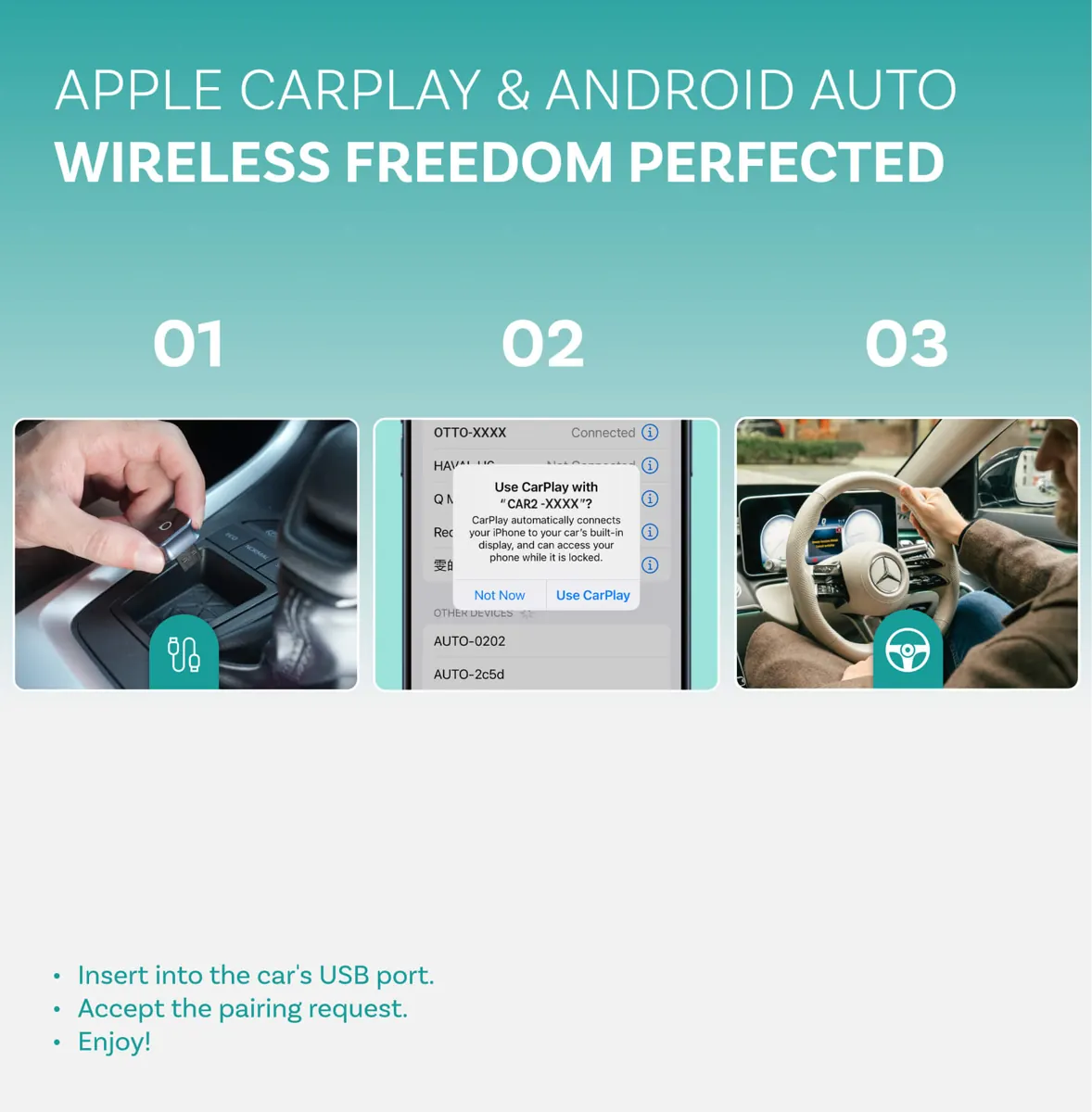
No complicated installation process is required for compatible vehicles. Connect the adapter to the original wired CarPlay or Android Auto USB port and complete the initial pairing.
Three Simple Steps
01 — Start your vehicle and locate its original wired CarPlay or Android Auto USB port.
02 — Plug in the Mini Cube adapter.
03 — Pair your phone according to the on-screen instructions.
06 / FIRMWARE UPDATES
Keep Your Adapter
Up to Date.
FOTA firmware updates provide a way to receive available software improvements and bug fixes, helping maintain a smoother connection experience.
07 / PRECISION DESIGN
Small Details.
Thoughtful Design.
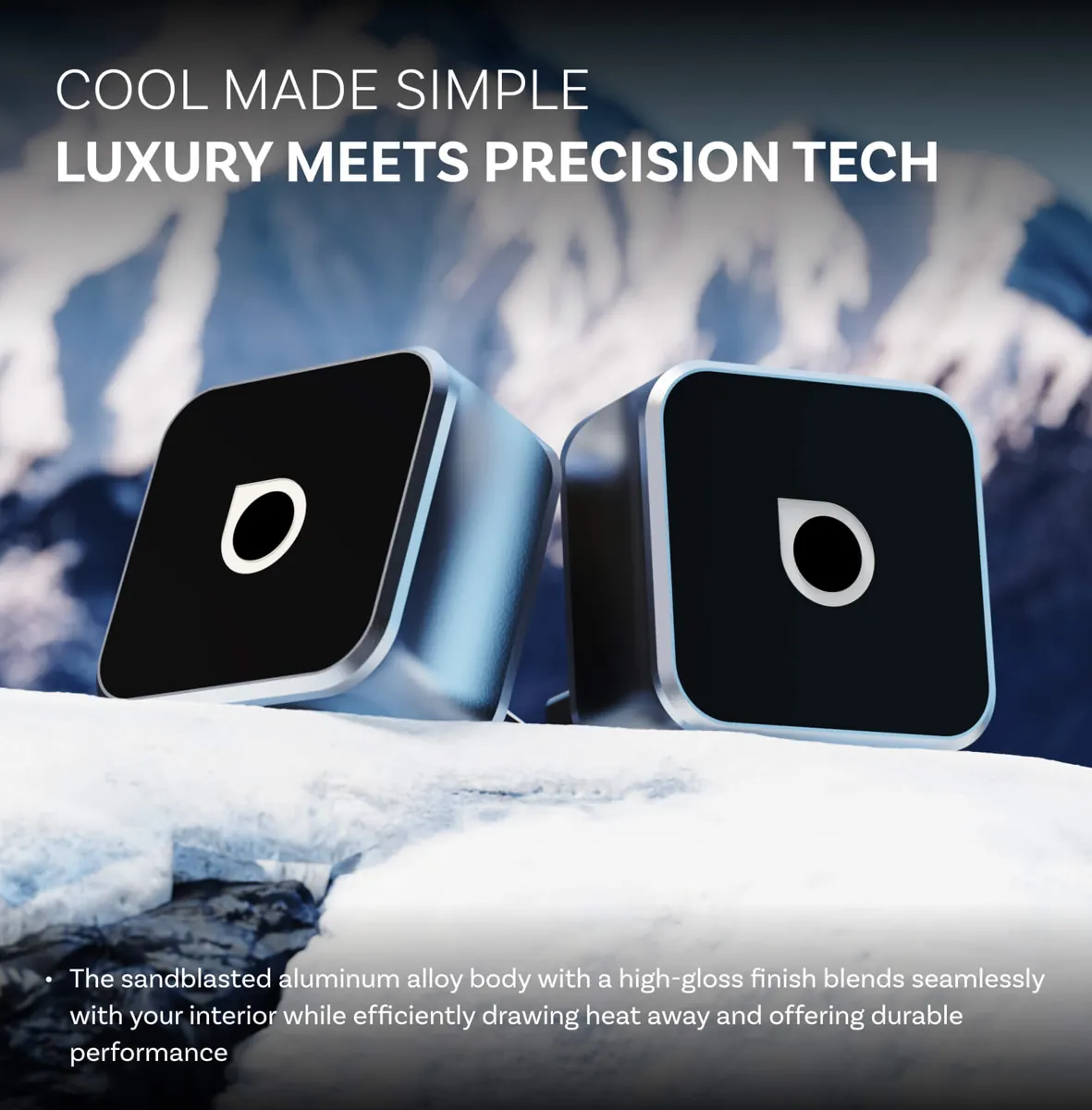
A compact cube-shaped adapter designed to blend into your vehicle's existing setup while bringing wireless connectivity to compatible systems.
IMPORTANT BEFORE PURCHASE
Check Your Vehicle
Before Ordering.
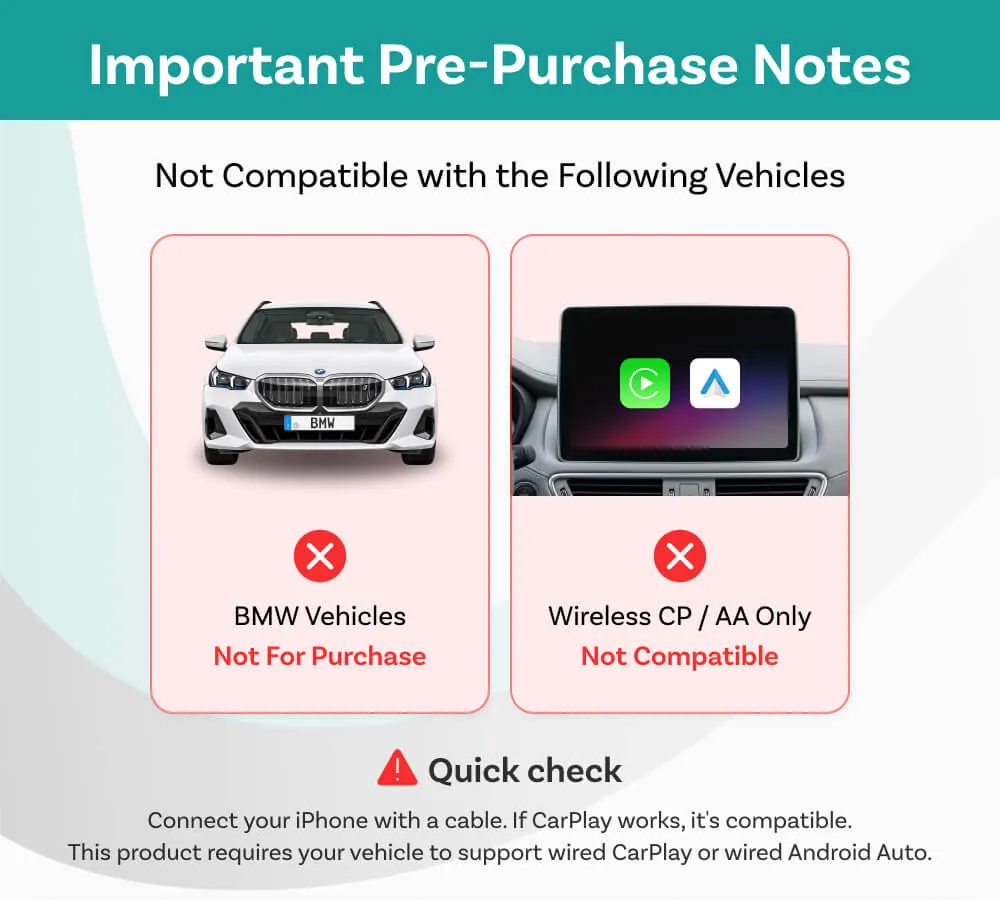
This adapter requires an existing factory or compatible wired CarPlay or wired Android Auto system.
❌ Not Compatible
• BMW vehicles, according to the supplied compatibility notice.
• Vehicles that only support wireless CarPlay or wireless Android Auto, without an existing wired connection.
✓ Quick Compatibility Check
Connect your iPhone to your vehicle using a data cable. If wired CarPlay works, your vehicle may be compatible. For Android Auto, verify that wired Android Auto works with your Android phone.
Questions? Contact service@trendybazaarbox.com
PRODUCT INFORMATION
Product Details
Product Name
Mini Cube 3.0 Wireless CarPlay & Android Auto Adapter
Connection Type
Wireless CarPlay / Wireless Android Auto Conversion
Connector Design
90-Degree USB Connector
Setup
Plug-and-Play Initial Pairing
Firmware
FOTA Upgrade Support
⚠️ Important Compatibility Notes
• Your vehicle must already support wired Apple CarPlay or wired Android Auto.
• BMW vehicles are listed as incompatible in the supplied product notice.
• Vehicles with wireless-only CarPlay or Android Auto are not compatible.
• A compatible USB data port is required. Charging-only USB ports will not work.
• Phone, vehicle and infotainment system compatibility may vary. Confirm compatibility before ordering.
QUESTIONS & ANSWERS
Frequently Asked Questions
Does this adapter work with every car?
No. Your vehicle must already support wired CarPlay or wired Android Auto. BMW vehicles and vehicles with wireless-only systems are listed as incompatible in the supplied notice.
Do I need to install an app?
The supplied product information describes a plug-and-play setup without requiring an additional app installation.
Will it reconnect automatically?
The adapter is designed to remember your previously paired device and reconnect automatically when the vehicle starts.
Can I use it with Android phones?
Yes, with compatible Android phones and vehicles that already support wired Android Auto.
What is FOTA?
FOTA refers to firmware updates delivered over the air. The product information states that it supports firmware upgrades for available bug fixes.
How do I check compatibility?
Connect your iPhone or Android phone to your car using a data cable. Confirm that the corresponding wired CarPlay or wired Android Auto interface works before ordering.
🛡️
Shop With Confidence
At TrendyBazaarBox, we aim to make your shopping experience convenient and reliable.
We offer a 30-day return policy, subject to our store's return terms and conditions.
Questions about compatibility or your order? Our customer support team is here to help.
CUSTOMER SUPPORT
service@trendybazaarbox.com
📱 ⚡ 🚘
UPGRADE YOUR CONNECTIVITY
Less Cable Clutter.
More Wireless Freedom.
Bring wireless CarPlay and Android Auto convenience to your compatible wired vehicle system with the Mini Cube 3.0.
Plug In. Pair Once. Drive Smarter.
TRENDYBAZAARBOX